

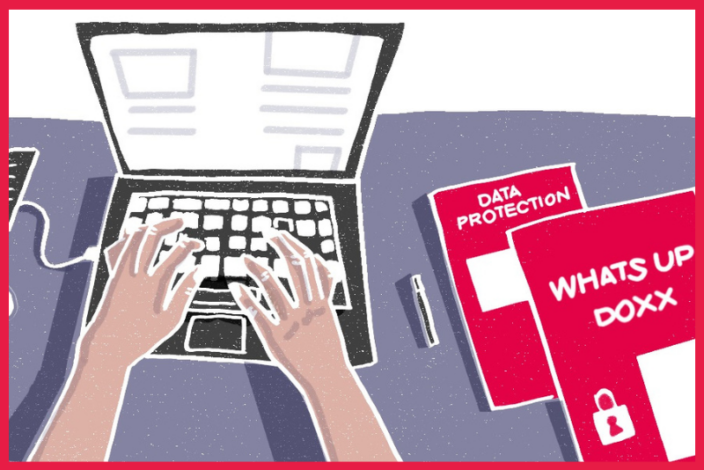

Reporters Without Borders (RSF) designed this series of exercises aimed at preventing doxxing, which consists of exposing someone’s private information for harassment purposes. The first exercise aims to make journalists aware of the range of personal information a doxxer might find.
What is doxxing? It’s a form of online harassment in which a target’s personal and sensitive information is posted publicly on the internet with the intent of causing harm. Digital footprints can reveal far more than a person is originally willing to disclose, all it takes is a malicious actor to hunt through it. A name can lead to a phone number, an address, a location, and information in the wrong hands can pose a threat to journalists and their loved ones. It is vital that journalists concerned with privacy understand their digital trail.
Objective: To become aware of the different types of sensitive information that we voluntarily (or involuntarily) put online and that a doxxer may target; and to narrow down what needs to be prioritised for protection based on the level of harm the leakage of information could cause.
Time: 15 mins
Process: Go through the list below and ask yourself: “Would leakage of this information cause important harm to me?” Tick the box when applicable.
| THE CHECKLIST
1. Basic personal data 2. Sensitive personal data 3. Professional information 4. Social and relationship details 5. Online activity 6. Communication details 7. Geolocation and travel 8. Medical information 9. Financial information |
Result: After going through the list, you should have a better idea about what kind of personal information a malicious actor would likely use to inflict harm. This exercise is foundational to the next exercise in this series that helps you check personal data from search engines.
→ Read Part 2: How much of your private life can be found on Google?
→ Read Part 3: How much of your private life can be found on social media?
→ Read Part 4: How to protect yourself from doxxing